 DemoDemo
Our host payment page provides various customization options for you to tailor the experience to your specific needs and preferences.
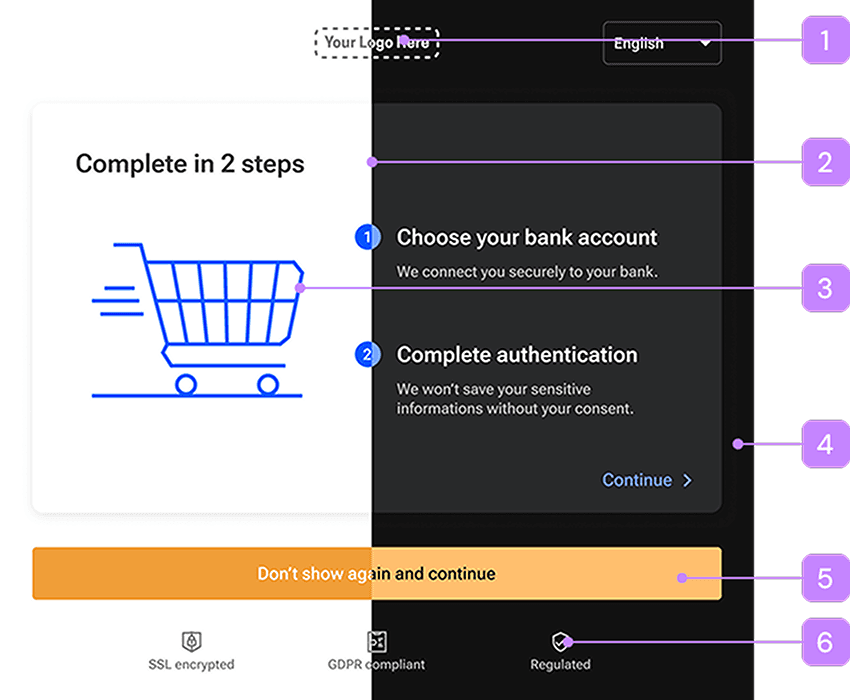
You can upload separate logos for light and dark modes.
A secondary colour complements the primary colour by enhancing visual variety and subtly drawing attention to actions. You can set up separate colors for light and dark modes.
A primary color is the main hue used in a design, providing the most emphasis and visibility for key elements and actions. You can set up separate colors for light and dark modes.
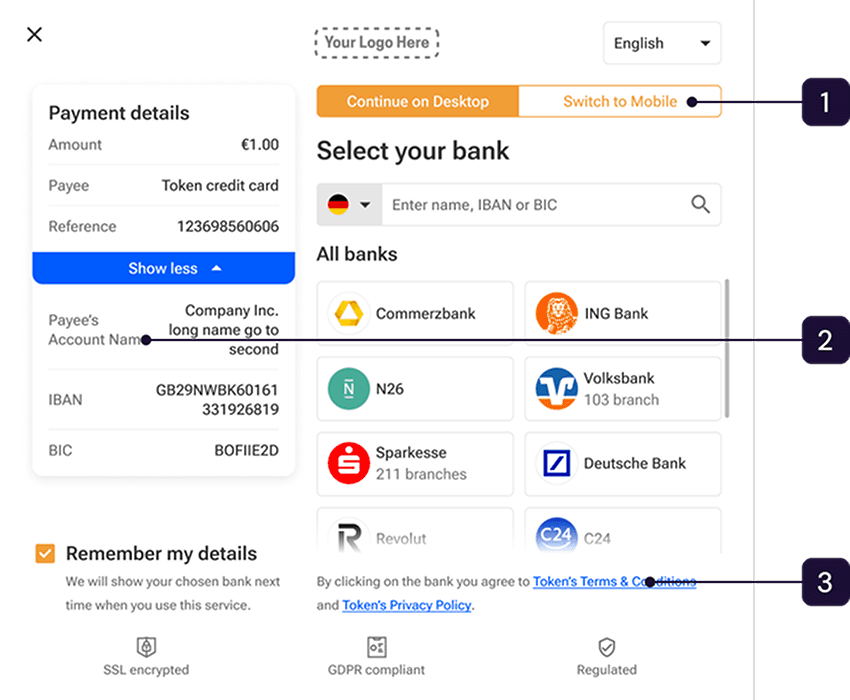
When this is selected, the user will land on QR code page first by default.
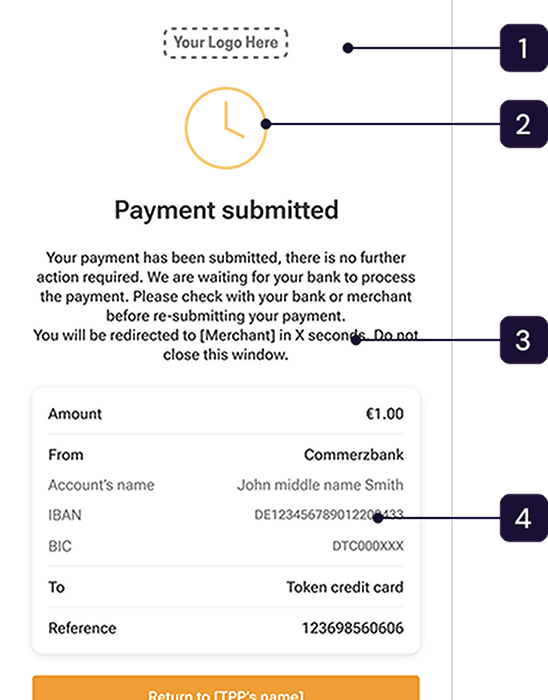
You can set up separate colors for light and dark modes.
Automatic redirection is configurable.